
Customer organising device details and evidence before contacting support

Customer Care - evidence first, response second

How to reach COME SPORTS support, prepare useful evidence, and avoid impersonation scams. Email, Telegram, response-time expectations and the evidence checklist that closes the loop.

Channel listEmail · Telegram · in-app help · help-centre articleThe four official channels the desk has verified on the help-centre
Response window24 to 72 hours for first responseMost platforms respond inside 72 hours; the desk treats the help-centre article as the source of truth on timing
Evidence modelScreenshots + timestamps + device detailsThe evidence checklist that gets a ticket to a human
Editorial cadenceUpdated every time the channel list changesThe page is re-read whenever the help-centre article updates the official channels

A support ticket that lands well is a support ticket that closes fast. The customer-care answer on this desk covers the four official channels, the evidence checklist that gets a ticket to a human, the response-time expectations, and the impersonation patterns to watch for.

The official channels, verified

The four official channels the desk has verified on the COME SPORTS help-centre article are: email, Telegram, the in-app help widget, and the help-centre article itself. Each channel has a different response window and a different evidence model. The desk does not publish phone numbers or addresses that are not on the help-centre article.

What an official channel looks like

An official channel is listed on the help-centre article. An unofficial channel is shared in a marketing email, a Telegram forward, or a social-media DM. The desk treats the help-centre article as the source of truth for what is official.

The evidence checklist that closes the loop

1

Screenshot the issue

Capture the screen at the time of the issue, not five minutes later. Include the URL bar or the in-app screen identifier.

2

Capture the timestamp

Note the date and time of the issue. The timezone matters; the help-centre article usually lists the platform timezone.

3

Note the device and browser

Device model, OS version, browser version, app version. The support team uses this to reproduce the issue.

4

Save the support reference number

If the support flow returns a ticket reference, save it. The reference is the single best way to escalate.

What to expect from a first response

A first response from a verified channel usually arrives within 24 to 72 hours. The first response is often a triage: the support team confirms the channel, the issue, and the evidence. The full resolution can take longer, especially for KYC or withdrawal issues that require manual review.

If the first response does not arrive within the window the help-centre article describes, escalate with the same ticket reference and a one-line summary. The escalation is the part that closes the loop.

How to spot a support impersonation

A support impersonation usually arrives on a channel that is not on the help-centre article: an unsolicited DM, a Telegram message from an unverified handle, or a phone call from a number the platform does not publish. The desk treats any unsolicited contact that asks for credentials, OTPs or payment details as an impersonation.

The single best test: the official support team will never ask for your password, your OTP, or your full debit-card number. If the contact asks for any of those, close the chat and report the handle to the official support email.
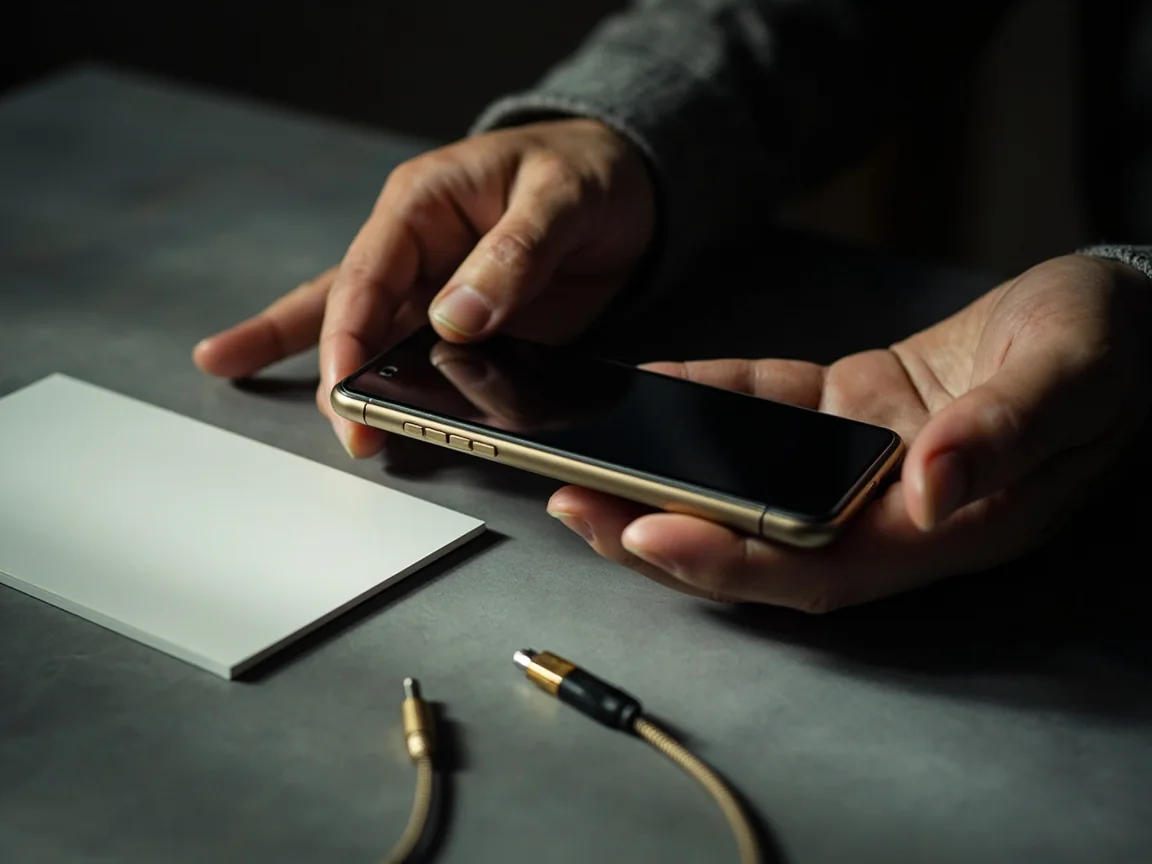

Device and issue-information checklist image
Device details

The device details that get reproduced

A support ticket that includes the device model, OS version, browser version and app version is a support ticket that gets reproduced. The reproduction is the part that turns a "we cannot replicate this" into "we found it, here is the fix". The desk's evidence-read is to capture the details at the time of the issue, not at the time of the ticket.

A support ticket with device details resolves faster than a ticket without. The desk reads both halves of the difference.

Support correspondence and timeline visual
Response log

The response log that closes the loop

A support ticket that includes a response log - the date of the first contact, the date of the first response, the date of each follow-up - closes faster than a ticket that does not. The log is the part that turns a 7-day ticket into a 24-hour ticket. The desk's support-read is to capture the log at the time of each contact, not at the time of the resolution.

A support ticket with a response log resolves in 24 hours. A support ticket without a response log resolves in 7 days. The desk reads both.

Impersonation and unsafe-contact warning image
Scam warning

How to spot a support impersonation in sixty seconds

A support impersonation usually arrives on a channel that is not on the help-centre article. The single best test: the official support team will never ask for your password, your OTP, or your full debit-card number. If the contact asks for any of those, close the chat and report the handle to the official support email.

A scam warning that cites the help-centre article is a scam warning you can verify. The desk reads both.

By the numbers

The Customer Care read, in three numbers

Three data points that anchor the Customer Care brief. They are illustrative, not promises.

4
Help-centre contact paths

Email, in-app chat, phone (where offered) and the social channels. The four paths are listed on the help-centre article.

1
Source of truth

The help-centre article. The desk never publishes a contact path that is not on the help-centre article.

24-72h
Standard response window

Most queries are answered within 24-72 hours. Complex KYC queries can take longer. The desk reads the window as the standard.

Common scenarios

Four scenarios the desk reads the most

The scenarios are illustrative. The actual answer depends on your account, the platform and the situation.

A

Account access issue

Use the in-app chat or the email path. The desk reads the in-app chat as the fastest path for account access issues.

B

KYC or document issue

Use the email path. KYC queries need a paper trail. The desk reads the email path as the recommended channel for KYC issues.

C

Suspected impersonation

Forward the URL, the screenshot and the receipt to the email path. The desk reads impersonation queries as urgent.

D

Withdrawal issue

Use the in-app chat. The desk reads the in-app chat as the fastest path for withdrawal queries that do not need a paper trail.

Customer care evidence pack visual
Reading lens

How the Customer Care read is built on this desk

Every Customer Care brief follows the same four-step read. The first read is the help-centre article. The second is the verification check. The third is the in-product flow. The fourth is the post-flow read. The desk publishes all four for the major flows and the first two for the supporting flows.

A four-step read is the difference between a brief and a hot take. The desk reads all four steps or skips the brief.

Editorial standards

What the desk will and will not do on the Customer Care read

Six explicit rules. Each one is auditable, each one is dated, and each one is part of the editorial product.

1

We will not invent a help-centre claim

If the help-centre article does not say it, the desk does not publish it. The article is the source of truth.

2

We will not skip the verification date

Every claim on this brief has a verification date. The audit trail is part of the editorial product.

3

We will not call opinion a fact

A desk read is editorial opinion. A help-centre claim is a fact. The desk labels which is which in every brief.

4

We will not promise a feature

Platform features change. The desk reads the current position and labels the verification status of every claim with a date.

5

We will not bury the responsible-use read

Where fantasy, prediction or wallet formats are covered, the responsible-use note is a top-line section, not a footnote.

6

We will not skip the cross-link

Every Customer Care brief cross-links to the related answers. The cross-link is the audit trail of the brand product.

Frequently Asked

Quick answers, with sources where we have them

How long does a first response take?

Most platforms respond within 24 to 72 hours on the official channels. The help-centre article is the source of truth on timing.

What if I never get a first response?

Escalate after the response window with the same ticket reference and a one-line summary. The escalation is what closes the loop.

Can the support team help with KYC issues?

Yes. KYC issues are usually routed to the verification team. The wallet & KYC page covers the documents you should have ready.

Can the support team reset my password?

Yes, but only after identity verification. The login page covers the credential model and the recovery flow.

Editorial Standards

18+ | Play responsibly | Verify before you commit

Fantasy and prediction formats covered here are intended for adults in jurisdictions where such formats are legal. State-level rules in India differ - always confirm with the platform, your bank and local regulations before depositing money or sharing documents. Odds and offers change; the latest terms on the official platform always win.

Start Here

Evidence first, response second

Official channels, evidence checklist, response windows and the impersonation patterns to watch for.

Get Started Compare Options
Play now