
Closing an account is the easiest part of the flow when the wallet balance is zero and the records are backed up. The work is in the preparation: withdrawing the balance, exporting the records you want to keep, and confirming identity inside the official flow. The walkthrough below runs in that order, because each step depends on the previous one being done cleanly.
Back up the records you want to keep
Once the account is closed, the platform will not be able to recover most records for you. The records worth backing up before closure are the transaction history, the contest results, the bonus-credit ledger and any uploaded documents you may need for a tax filing. The export is usually a CSV or PDF download from the wallet or account settings page.

Four exports every reader should keep
The transaction history is the record the desk recommends saving for tax filing purposes; the contest results are useful for personal tracking; the bonus-credit ledger shows which bonus funds were wagered and which were forfeited; and the document upload history is the proof you uploaded what you uploaded, on the dates you uploaded it.
Store the exports in a place that is independent of the platform - a local folder, a personal cloud drive, or a paper printout. The cloud copy that lives inside the platform is not a backup, because it is going away when the account is closed.
Confirming identity inside the official flow
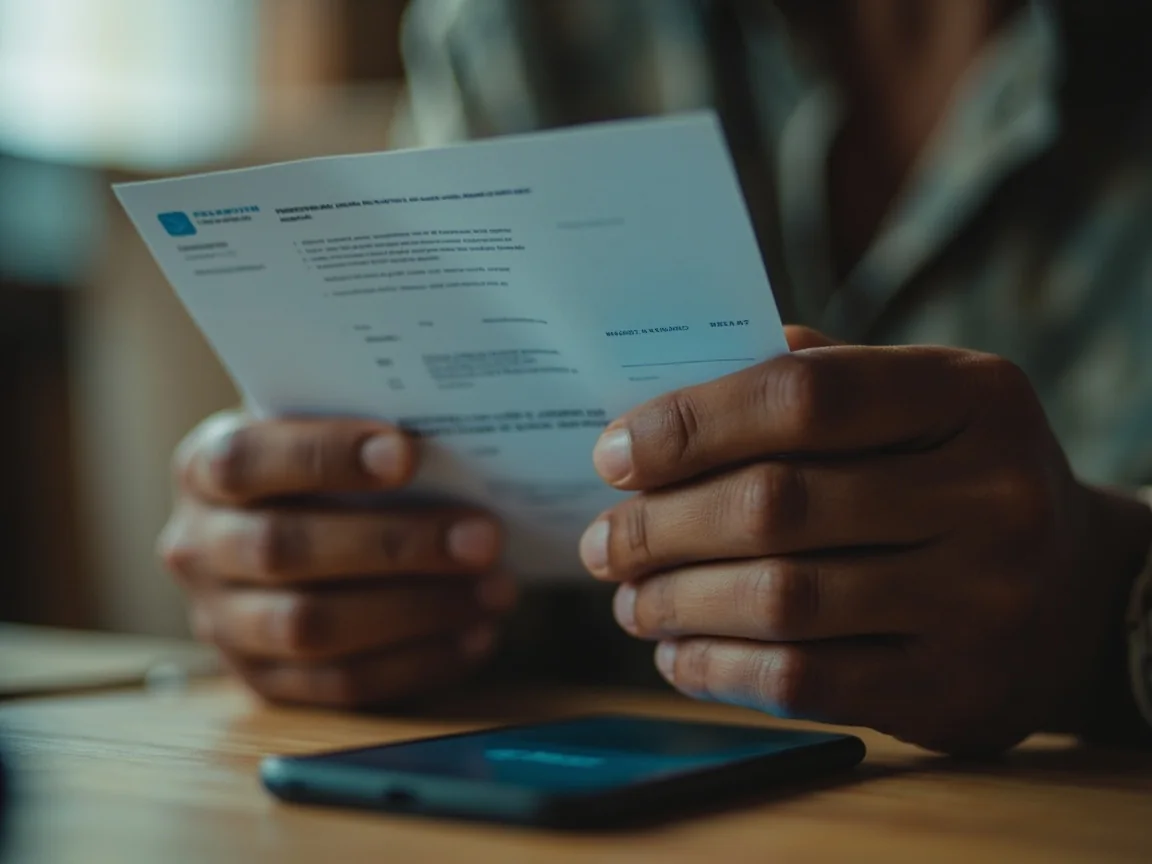
The closure flow will ask you to confirm your identity before it processes the request. The legitimate confirmation happens inside the official app, on the canonical address, with the platform's own branding. If the confirmation arrives by SMS, by phone call, or by a social-media direct message, treat it as suspicious and start the closure from inside the app instead.
What the platform needs to confirm
The closure flow needs to confirm that the request is coming from the account holder and not from someone else. The platform will typically ask for a government photo ID matching the name on the account, plus a recent login from a device the platform recognises. The desk recommends completing the closure request from the same device and the same network as the last successful login; a request from an unfamiliar device may trigger a manual review that adds days.
Cover or redact sensitive fields on the ID before you upload, the same way you would for a KYC upload. The closure flow only needs the name and the document number, not the full photograph or the address.
Running the closure request
Once the wallet is empty and the records are exported, the closure request itself is a short flow inside the account settings. Look for an option labelled Delete account, Close account or Request account closure. The platform will ask for a confirmation reason and may ask you to type the word CLOSE or your account email to confirm. Once you confirm, the platform sends a closure confirmation to the registered email address.
The closure confirmation email is the document that proves the closure was requested. Save the email; do not delete it. If the platform processes the closure on a different date, the email confirms the original request date. If the platform disputes a closure fee or a balance, the email is the record.
Data-erasure and the retention timeline
Account closure and data erasure are different requests on different timelines. Closure stops the account from accepting logins and contest entries immediately. Erasure removes personal data from the platform's records on a separate timeline that is usually longer than the closure timeline and is often governed by regulatory retention rules.
The Digital Personal Data Protection Act in India, and equivalent rules elsewhere, give the platform a window in which it must erase personal data after a closure request, but also allow a longer retention period for records that the platform is required to keep for tax, anti-money-laundering or dispute-resolution purposes. The platform's privacy notice usually lists the retention windows for each category of data. Read the privacy notice before you assume the erasure is complete on the day the closure email arrives.
Device-side cleanup after closure
After the closure confirmation arrives, run the device-side cleanup. Remove the app from every device on which it is installed. Clear the saved password in your password manager for the canonical address. Sign out of the platform on any device that still has an active session, including browsers on shared computers and TVs with app support.

Five items on the post-closure checklist
Remove the app. Clear the saved password. Sign out on every browser that ever held an active session. Check the email account that was the recovery address for any sign-in notification that arrived after the closure. Forward the closure confirmation email to a second inbox so the record survives the recovery address being decommissioned later.
If a hardware security key was enrolled as the second factor, leave the key in service for other accounts; do not factory-reset it for this account alone.
Editorial scope
The desk is editorial. We do not have the ability to close your account on your behalf, do not have administrative access to the platform, and cannot retrieve data after closure. The flow above is what the desk recommends based on how Indian sports platforms typically handle closure requests. The exact steps on COME SPORTS will be on the platform's own help-centre article, and the closure flow will look different if the platform has any open contests, pending withdrawals or unresolved KYC items on the account.